
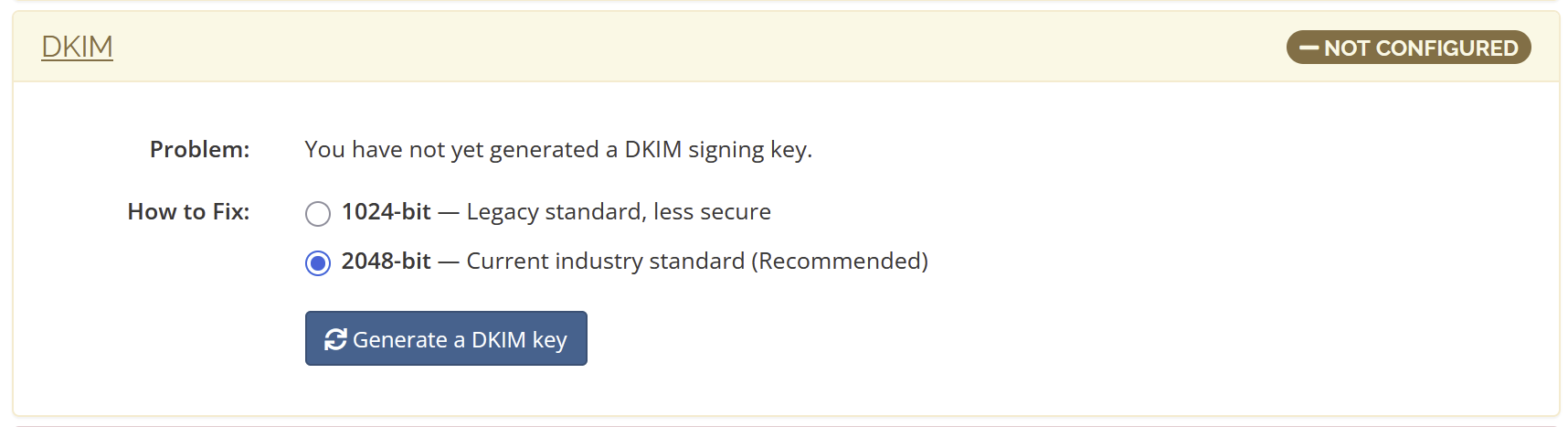
When creating a new DKIM key for an Outbound SMTP sending domain, it is now possible to choose the key strength:
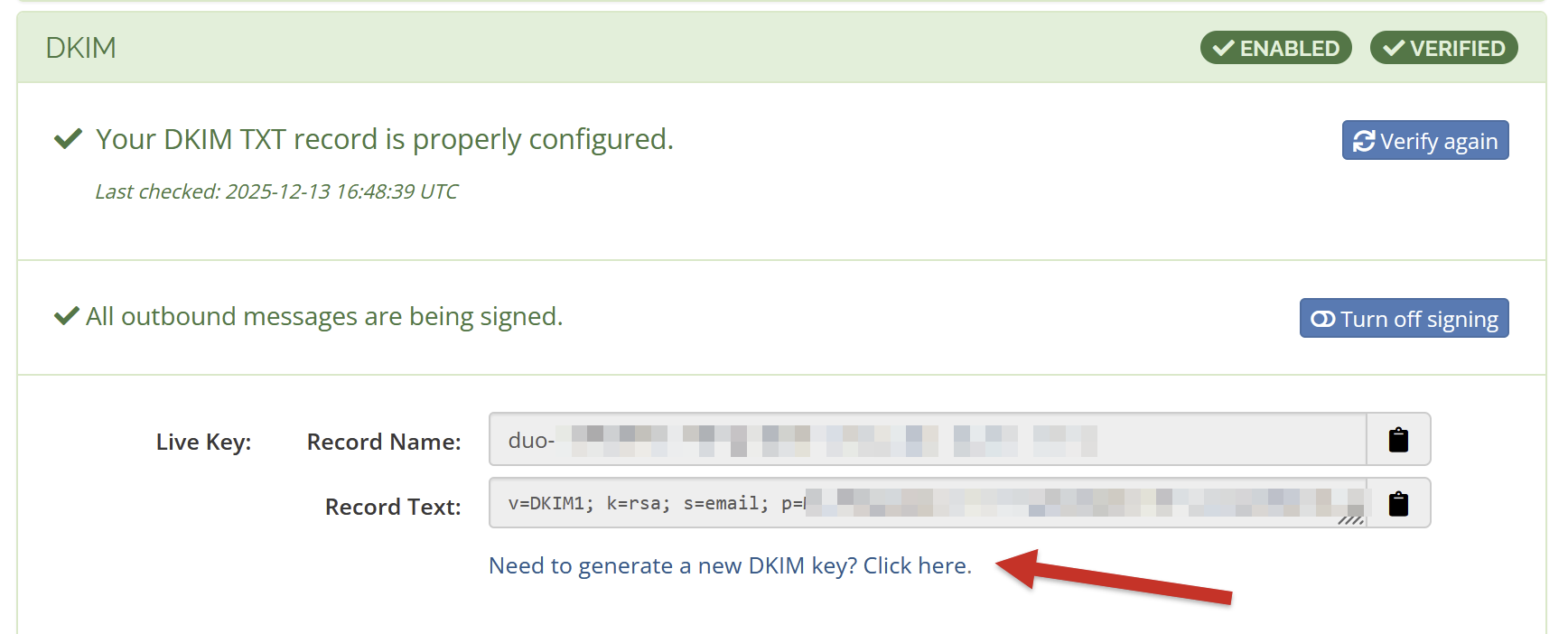
To upgrade your DKIM signing from the current default of 1024-bit to 2048-bit, you will need to perform a key rotation:
- Click the provided link to generate a new DKIM key:
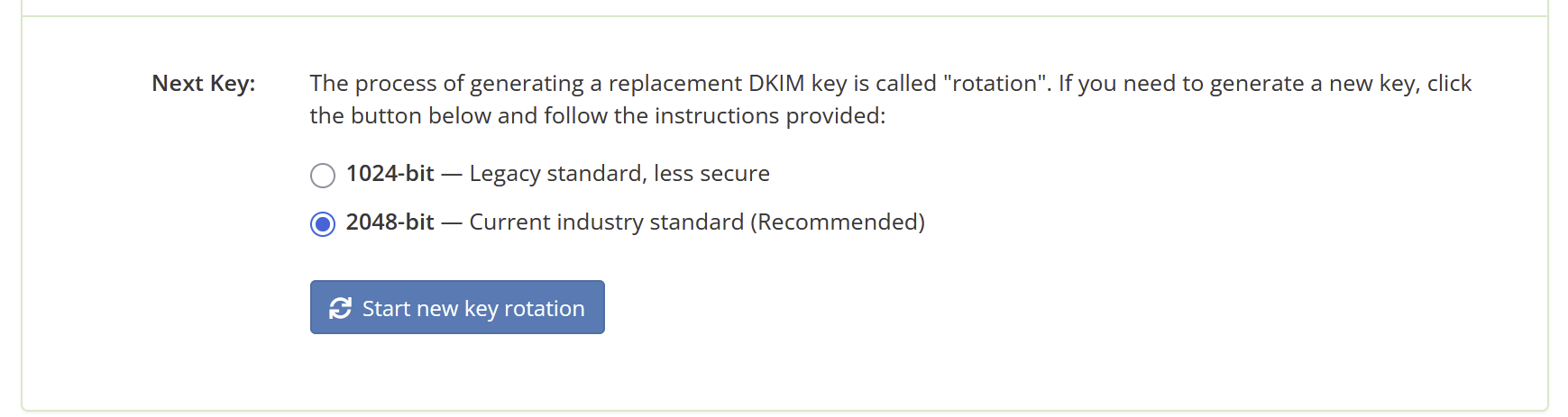
- Choose 2048-bit from the option list, and click "Start new key rotation"
- This will generate a new Record Name and Record Text you will need to enter into your domain's DNS
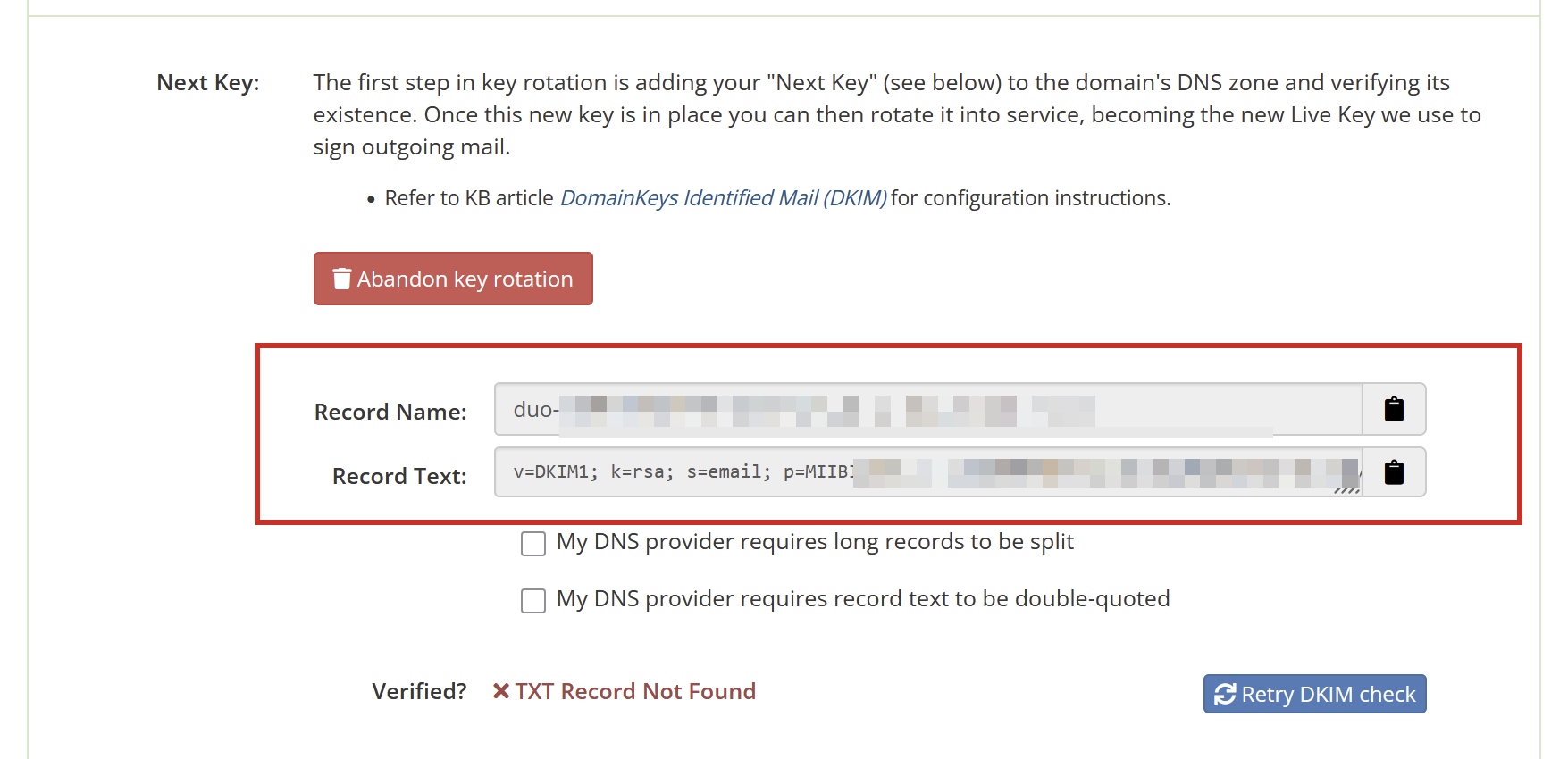
Using the checkboxes below the "Record Text" field will provide different formats of records depending on specific the requirements of your DNS provider. Refer to their documentation to determine the type of large-record value splitting they require.
Once the new record is in place and has been validated (by clicking Retry DKIM check), active signing can be moved to the new key.